|
IECM 14.0 beta User Manual > Modules Included with the IECM > Low-Carbon Hydrogen Production & Transport > SET PARAMETERS > Overall Plant > Plant Diagram |
|
The overall plant diagram for an H2 plant looks like this:
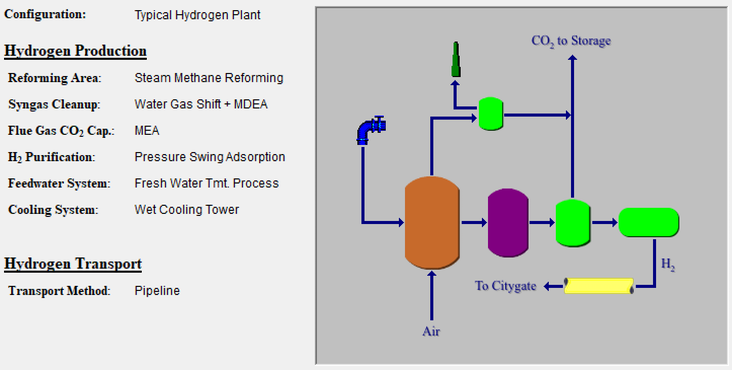
SET PARAMETERS: Overall Plant: Plant Diagram
This diagram appears in both the SET PARAMETERS and GET RESULTS program areas. The screen displays the plant configuration settings on the left, and a diagram of the configured plant on the right. No input parameters or results are displayed on this screen.
Copyright © 2022-2026 University of Wyoming. All rights reserved. Visit us at https://www.iecm-online.com/