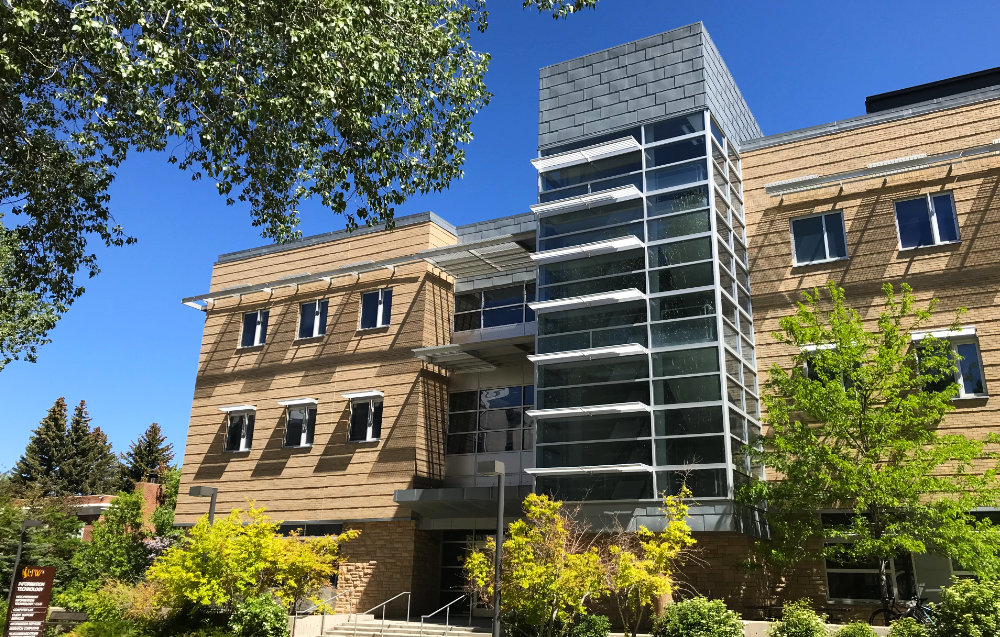
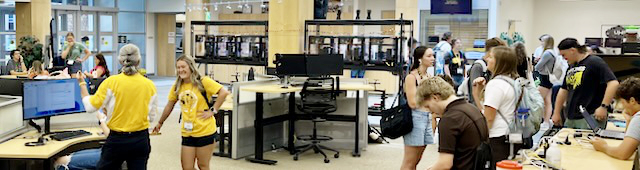
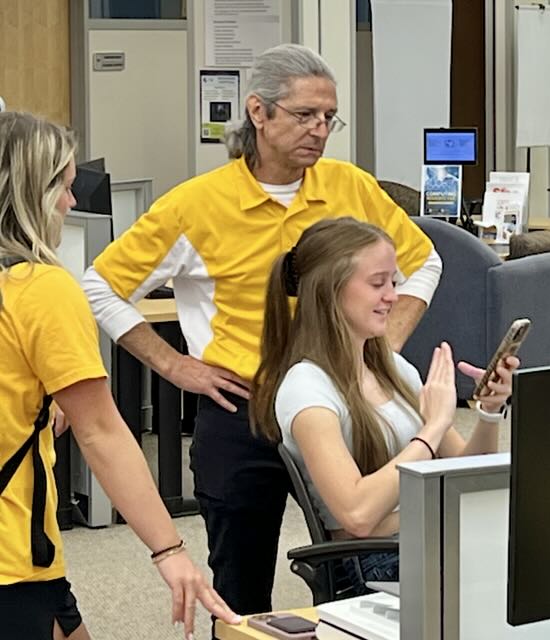
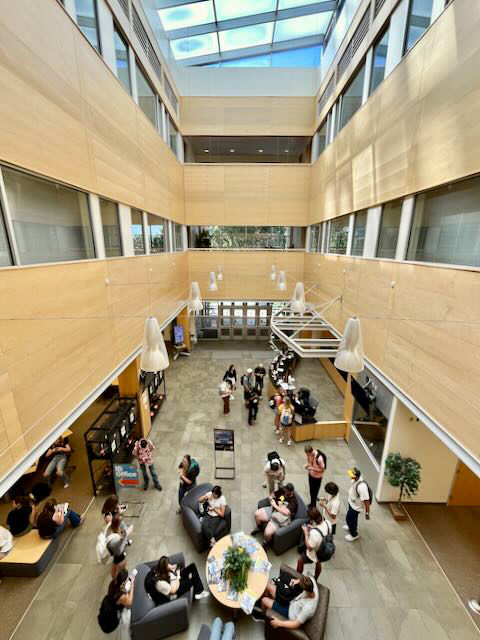
The Walk-in Service Center provides services for enrolled students, faculty and staff of UW. Get expert advice and quick evaluation of software and hardware computing problems. Desktops, laptops, tablets or smart phones; we can help. Just stop in to the IT Walk-in Service Center.
At the Walk-in Service Center the most common problems we see are computers infected with fake Antivirus Malware. In most cases fake Antivirus programs won't let you do anything until you pay for the product. Whatever you do, DON'T GIVE THEM YOUR CREDIT CARD! It may seem like a quick fix, but in reality payment does not resolve the problem. Whatever amount of money that they want to charge you is only going to be the start of the pain they'll put you through. Many times that charge will come out, and then they might charge you again and again until your credit line is maxed or you've overdraft on your bank account.
In the great words of Douglas Adams (The Hitchhiker's Guide to the Galaxy), "Don't Panic." Check your browsers for bad notification cookies, or extensions, esp. in Google Chrome. Also, download a trail version of Malwarebytes. Once Malwarebytes is installed let it update and scan your system, if you have any trouble or need help please bring your computer down to the Walk-in Service Center during business hours and we will help you. We do this every day and are quite good a removing Malware.
A fully patched Windows 11 machine running a current Antivirus is very hard to get through for most Malware and viruses. Run your updates regularly and be smart online, in many cases a Social Engineering Attack was used to get the Malware on your computer in the first place.