
UNIVERSITY OF WYOMING EXTENSION
WYOMING SOLUTIONS TO PRACTICAL PROBLEMS

SERVING WYOMING SINCE 1914
The University of Wyoming Extension serves Wyoming communities by helping residents apply university research and resources to practical problems. Since 1914, UW Extension has provided educational programs and tools to the state’s 23 counties and the Wind River Indian Reservation. From 4-H programming and pesticide safety education to food preservation and nutrition courses, Extension upholds the university’s land-grant mission by offering learning opportunities for people of all ages. UW Extension staff help Wyoming residents boost agricultural production, care for lawns and gardens, cultivate future leaders, support individual and community well-being, and develop thriving businesses.
EXTENSION IS HERE TO SERVE YOU
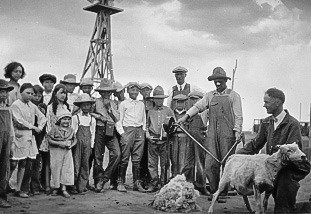
Extension has served the communities of Wyoming since 1914. Learn more about Extension, our organization, and our leadership.
Extension produces research based publications about a range of applied subjects. Welcome to our library.
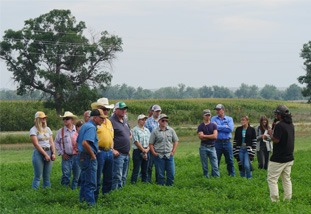
Learn more about the impacts we have across Wyoming. Our educators work every day to meet Wyoming challenges with Wyoming solutions.

If you're interested in helping individuals solve problems and building thriving communities across Wyoming, we'd love to have you join our team.
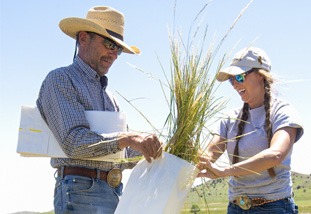
For a convenient way to connect with our Extension Experts without visiting an office, try ask an expert.
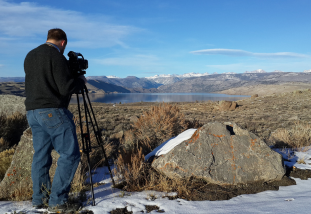
Extension has an extensive video library covering topics across all our program areas. Breakout the popcorn and snacks.
LATEST NEWS
UW Ag News is the official news site for University of Wyoming Extension and the College of Agriculture, Life Sciences and Natural Resources. It features stories on research, Extension programs, events, and impacts serving communities across Wyoming.
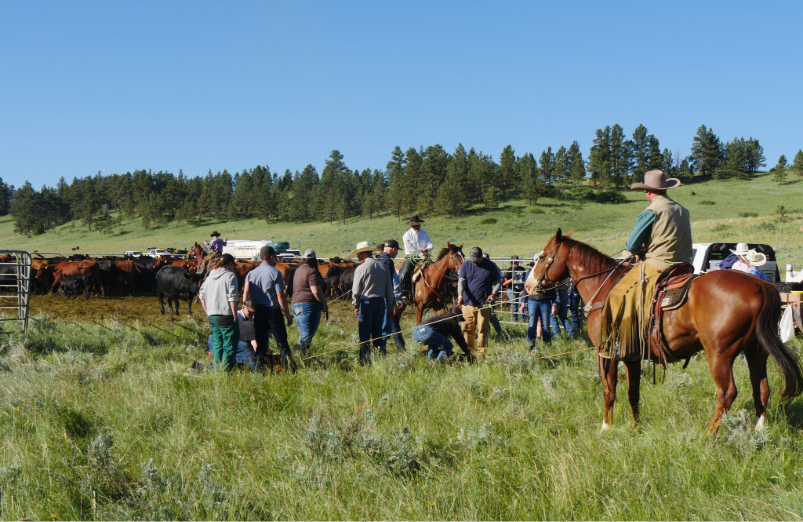
Online course Catalogue
Extension offers a range of online courses that are available whenever you are. Extension knowledge right at your fingertips. If you're a first time user to Extension courses, be sure to create an account.
EXTENSION BY THE NUMBERS

The University of Wyoming has earned its Research Level 1 (R1) status from the Carnegie Classification of Institutions of Higher Education, placing Wyoming's only four-year university with the top research universities in the United States.