CYBERSECURITY AWARENESS MONTH
QR Codes: Handy or Hazardous?
QR codes are everywhere these days – on restaurant tables, posters, packages, and even in emails. They’re a quick way to get to a website, menu, or app, but here’s the catch: you can’t actually see where they lead until after you scan them. That makes them a perfect tool for cybercriminals. A scammer can slap a fake QR code over a real one, and suddenly you’re being redirected to a phishing site or even tricked into downloading malware.
So how do you stay safe? First rule of thumb: if the source of the QR code is sketchy – like a random flyer on a wall, an unexpected email, or something that just feels “off” – skip it. When in doubt, don’t scan. But if the QR code comes from a source you trust, it’s still smart to pause before clicking through. Most phones will show you the web address (URL) before opening it. Take a good look: does it really match where you thought you’d end up? Typos, odd spellings, or strange domain endings are all signs of trouble.
Even if the link looks fine, be cautious once you’re on the site. A big red flag is when a page you reached from a QR code asks for sensitive information like your password, credit card, or banking details. That’s a sure sign to back out – legitimate organizations won’t ask you to hand over personal data that way.
Ready for a quick test?
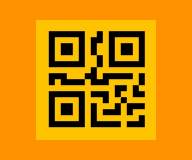
We’ve included two QR codes below. Go ahead and scan them, but instead of clicking right through, check the addresses they lead to. Which one looks safe, and which one seems suspicious? (Don’t worry – we’ve kept things harmless.) This little exercise is a good reminder: with QR codes, a few seconds of caution can save you from a big cybersecurity headache.
• You may also hover over these examples to see what the destination URL is
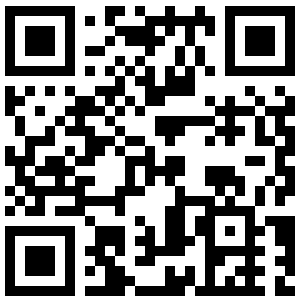
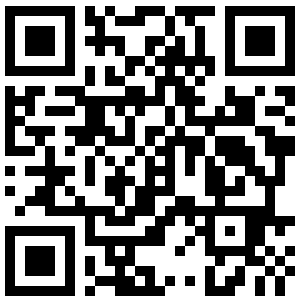
(Answer: Example B is safe, going to an actual UWIT webpage. Example A is trying to trick you with link to a fake “UW” page.)