
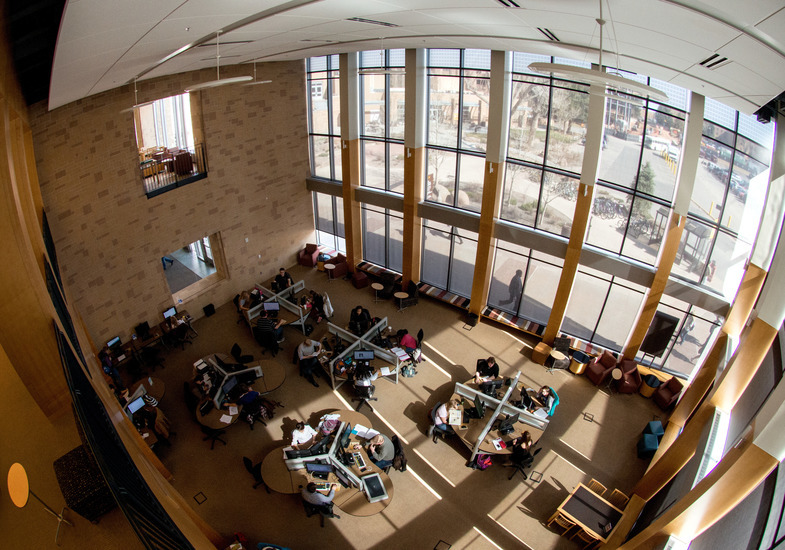
Computer Labs
Check the schedule for computer labs on campus. Computer lab use is limited to UW faculty, staff, and students.
A limited number of computers are provided for use by the public to perform library research. These computers allow Internet access to library databases and electronic subscriptions. Public access computers are available at Coe Library and the Geology Library.
Student + Wireless Printing
Student Printing
Student printing is available in computer labs at Coe Library, the Geology Library, and at additional lab locations across campus. Black and white printing is 5 cents per single-sided page and 7 cents per double-sided page. Color printing is available in the Coe Library labs for 25 cents per page. Printing from student computer labs is paid with individual Student Print Account funds.
Wireless Printing
Students may also print wirelessly to any computer lab on campus from their own devices, a university-owned device or a library-owned device. Use the following instruction to print wirelessly from a PC or from a Mac. Wireless print jobs are charged at the same rate as all other student printing.
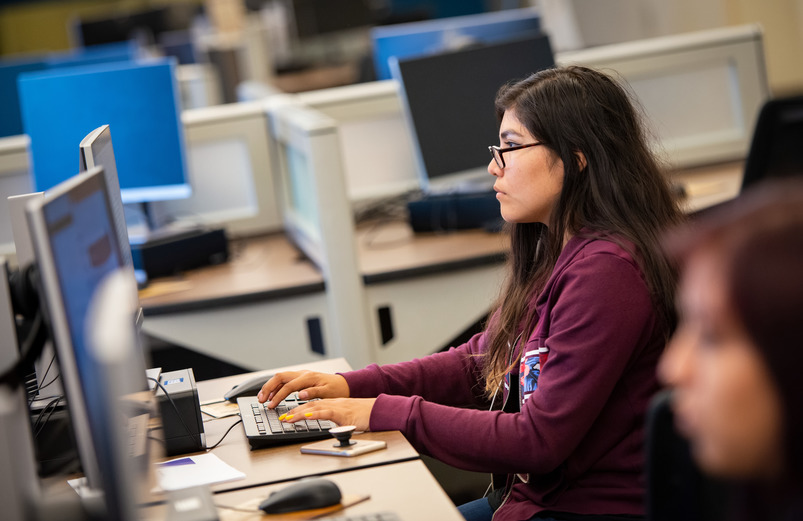
Laptops & iPads
Laptops and iPads are available for check out at Coe Library to UW faculty, staff and students. Coe Library has:
- 10 laptop computers (5 MacBooks and 5 Lenovo PCs). Laptops check out until the end of the day and must remain inside the Coe Library building.
- 15 iPads with Apple Pencil Pros. iPads check out for 3 weeks, 1 renewal. Access to a wireless network is required to use iPads off-campus.
- 5 Apple Pencil Gen 2s with recharger case to use with personally owned iPads. Apple Pencil Gen 2s Pads check out for 3 weeks, 1 renewal.
Please complete an Equipment Agreement Form (PDF) at the Coe Library Help Desk each semester prior to checking out equipment.
Scanning
Self-service scanning is available on Level 2 of Coe Library, near the Help Desk. Documents may be saved as follows:
- Send to a valid email address
- Save to a USB drive
- Save as an audio file
A microform reader and scanner is available on Level 1 of Coe Library. Documents may be saved to a USB drive.
Copyright law of the United States (Title 17, U.S. Code) governs the making of reproductions of copyrighted materials. Copying, displaying, and distributing copyrighted works may infringe the owner's copyright, which is subject to penalties under federal law.


The University of Wyoming has earned its Research Level 1 (R1) status from the Carnegie
Classification of Institutions of Higher Education, placing Wyoming's only four-year
university among the top research universities in the United States.
The University of Wyoming Libraries has been a Federal Depository Library since 1907. The collection comprises approximately 1.5 million print and microfiche
items in Coe Library and Library Annex, as well as maps, aerial and infrared photographs,
and geological publications housed in the Brinkerhoff Geology Library. The Federal
Document Library Program is changing from physical to digital distribution of government
information; UW Libraries provides access to online publications available from the
Federal Depository Library Program through the library catalog.