
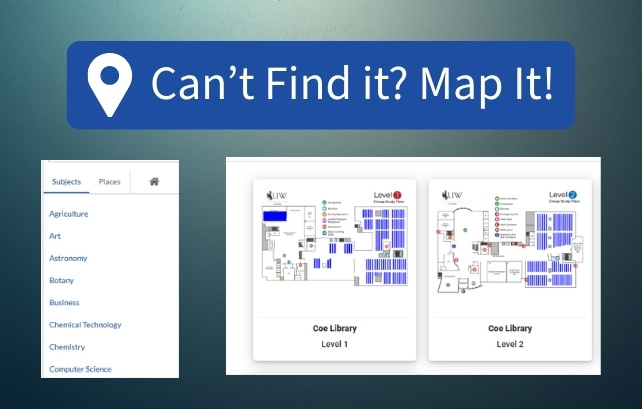
UW Libraries Now Offers Enhanced Collections Mapping
Amanda Bugbee
Published January 15, 2026
1 Minute Read
Can't find it? Let's Map it!
Do you need to find physical books and media at Coe Library? UW Libraries is improving your library experience with our new collections mapping tool found in QuickSearch. This wayfinding tool aims to simplify how users discover our many collections and navigate the building. Navigating Coe Library has never been easier!
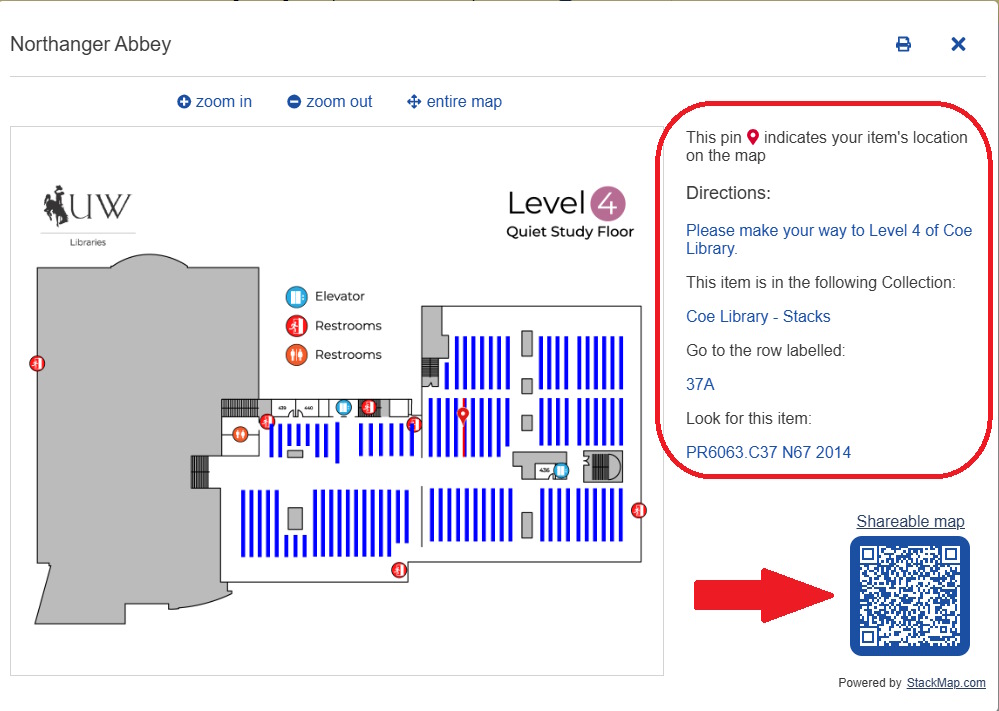
This is an easy-to-use collections mapping tool that allows you to locate physical items on the shelf. When searching for a title in QuickSearch, just click the blue Map It button next to the item you’re looking for to instantly view its exact location in Coe Library.

Follow the handy, step-by-step written instructions and the accompanying digital map to locate your item, right down to the individual row and call number. You can also scan the QR code to easily open the digital map on your phone!
EXPLORE OUR SPACES:
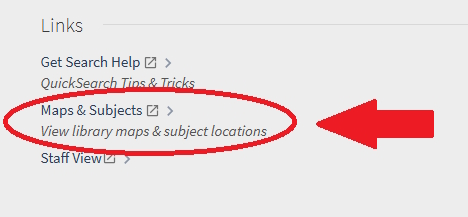
Try out our nifty building navigation feature! Found at the bottom of every record in QuickSearch, click on the Maps & Subjects link to browse by subject or to discover the physical spaces and places available to you in the library.
This cool feature can help you check study room availability, discover cozy study areas in the library, find a vending machine, locate helpful resources to support your success as a student, and so much more!


The University of Wyoming has earned its Research Level 1 (R1) status from the Carnegie
Classification of Institutions of Higher Education, placing Wyoming's only four-year
university among the top research universities in the United States.
The University of Wyoming Libraries has been a Federal Depository Library since 1907. The collection comprises approximately 1.5 million print and microfiche
items in Coe Library and Library Annex, as well as maps, aerial and infrared photographs,
and geological publications housed in the Brinkerhoff Geology Library. The Federal
Document Library Program is changing from physical to digital distribution of government
information; UW Libraries provides access to online publications available from the
Federal Depository Library Program through the library catalog.